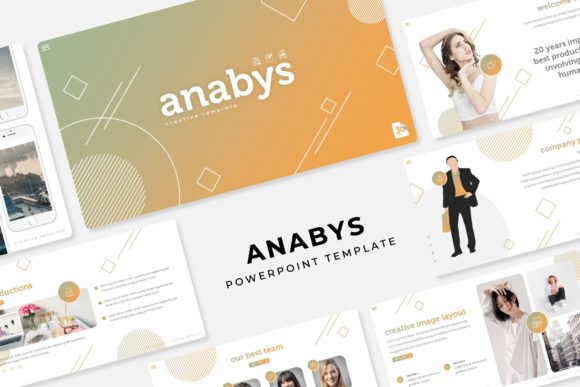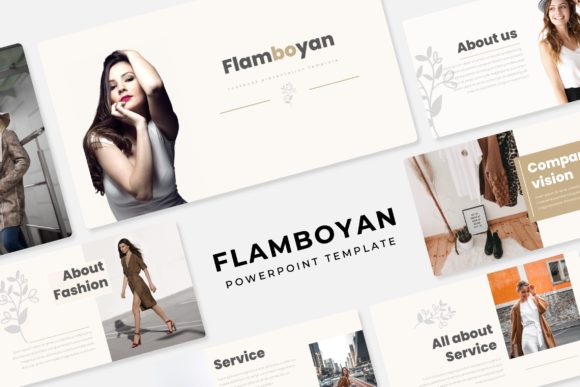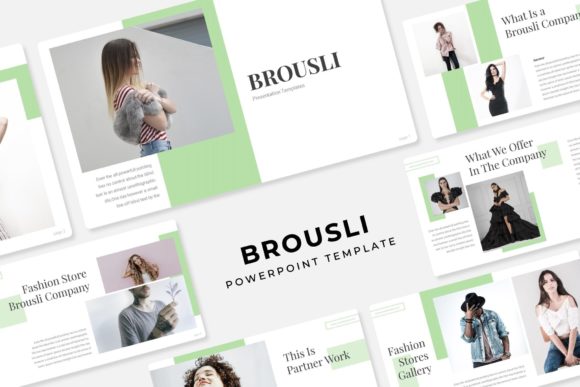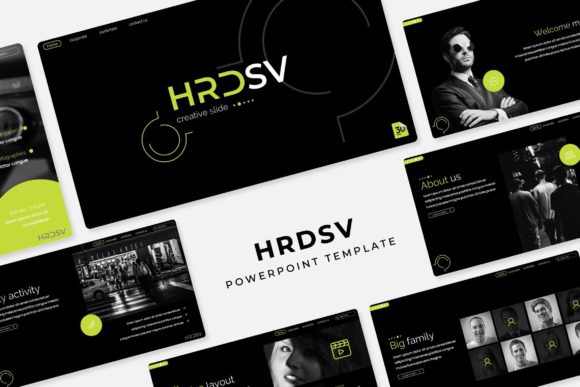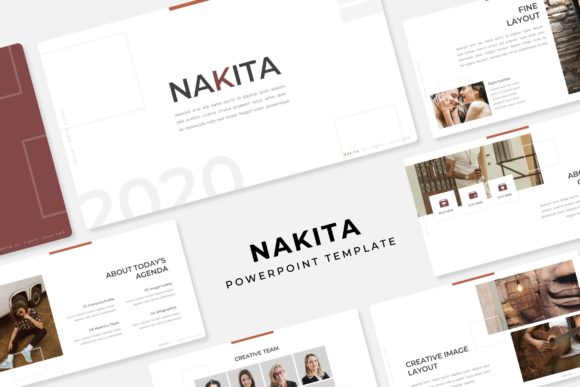
Nakita Power Point Template: 150+ Slides for Dynamic Presentations
Elevate your next presentation from simple to stunning with a design toolkit built for clarity and impact. The Nakita Power Point Template is a comprehensive collection designed for professionals who need to communicate complex ideas with visual elegance. With over 150 total slides, it provides a robust foundation for any project, ensuring your message is delivered with polish and precision.
A Complete Design System at Your Fingertips
What makes this template stand out is its structured versatility. It includes five premade color themes, each containing 30 unique slides. This means you get 150 professionally designed layouts that maintain visual consistency while offering variety. The color palettes are thoughtfully curated, allowing you to match any brand identity or mood, from corporate professionalism to creative vibrancy.
Every slide is crafted with attention to detail. You'll find handcrafted infographics that turn data into a compelling story, dedicated section break slides to organize your narrative, and gallery and portfolio slides perfect for showcasing work. The design is pixel-perfect, ensuring your presentation looks sharp on any screen.
Practical Features for Seamless Workflow
Efficiency is key in design. The Nakita template is built on master slides, which means making global changes to fonts, colors, or logos is a simple, one-click process. This saves valuable time and ensures your entire presentation remains cohesive.
The graphics are fully resizable and editable, giving you complete creative control. Picture placeholders are drag-and-drop ready, making it incredibly easy to add your own images without struggling with alignment or formatting. This user-friendly approach lets you focus on your content rather than wrestling with software.
What's Included for Your Project?
Upon download, you receive a complete package to get started immediately:
- 5 PPTX Files – Standard format for broad compatibility.
- 5 PPTX Widescreen Files – Optimized for modern 16:9 displays.
- 5 Premade Color Themes – Instant visual variety.
- A ReadMe First File – Clear setup instructions.
- Font Links – The template uses a free font, and a download link is included for easy installation.
Note: The preview photographs are for illustration only and are not included in the final package.
Ideal Use Cases and Creative Applications
This template excels in numerous professional scenarios. It's perfect for corporate reports, business pitches, and marketing proposals where a structured, professional appearance is crucial. The infographic slides are invaluable for educators, consultants, and data analysts who need to present statistics and processes clearly.
Creative agencies and freelancers will appreciate the portfolio slides for client showcases. It's also an excellent asset for creating cohesive brand presentations, investor decks, and detailed project plans. The modern typography and clean layouts ensure your content remains the star.
Tips for Maximizing Your Template
To get the most out of this design asset, consider these practical tips:
- Match the Mood: Select the color theme that best aligns with your brand identity or the presentation's emotional tone.
- Customize with Purpose: While everything is editable, maintain the template's clean aesthetic. Avoid overcrowding slides.
- Pair Fonts Wisely: The included font is designed to work well with others. Consider pairing it with a simple sans-serif for body text if needed.
- Review the License: Always ensure the template's license fits your intended use, especially for commercial projects.
Choosing the right presentation template is an investment in your professional image. A well-designed system like the Nakita Power Point Template does more than just look good—it enhances comprehension, maintains audience engagement, and reflects the care you put into your work. It provides the structure and flexibility needed to transform your ideas into a visually compelling and memorable experience.